

Every scholarship has a story. Let your donors see them.
Collect more engaging video content from students, faculty and fund managers with Awarded Video.

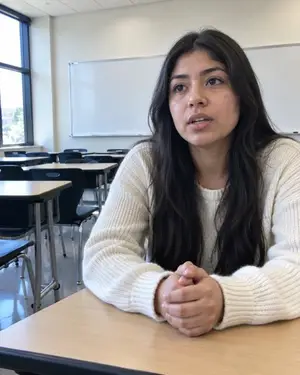
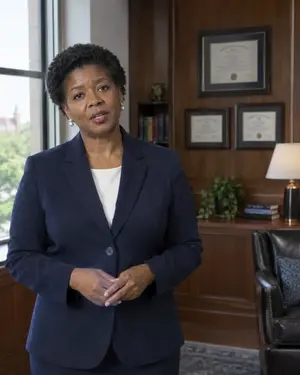

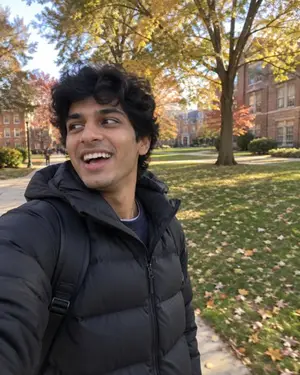


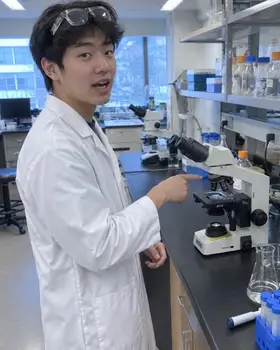

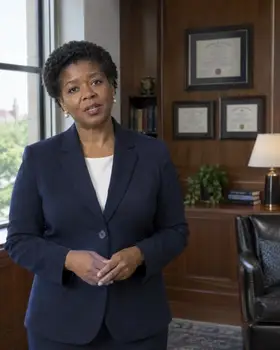
Upload a list or CSV, or use award information from Awarded's Scholarship Awarding module. Give beneficiaries their own custom, guided link to record easy video stories, with no app download needed.
Trim each to its best moments, check captions, add your intro, logo and music, and combine several thank-yous into one short reel.
Send a branded email from your school, add the video to each donor's donor hub, or place it in an impact microsite built with Donor Reporting & Delivery. See who opened, who watched to the end and who watched again.




A more thoughtful experience for students
I don't know what to say.
Your team picks the prompts: what the scholarship changed, what they're working on, what they'd tell the donor. Students answer one short question, then the next.
I've never seen what a good one looks like.
Short examples show the tone and length you're after, so students know a natural 15 seconds beats a polished speech.
I messed up. I'll redo it later.
Students warm up with a practice take and redo any answer until they're happy. Your team reviews before anything reaches a donor.
Engagement analytics at your fingertips.
Delivery and watch time for every campaign, by college and by fund, plus the donors who haven't watched yet.
Record once. Use it all year.
Every approved video stays organized by student, fund and theme, so your team can reach for the right story whenever it's needed.
 For the Chens · 0:45
The donor's own reel
The students each household funds, in one short video from your school.
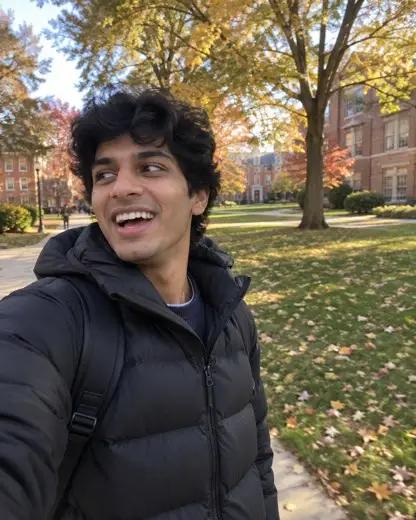 Annual giving · 0:58
Annual giving
Themed reels, like five stories from this year's scholars, for appeals and social.
With student permission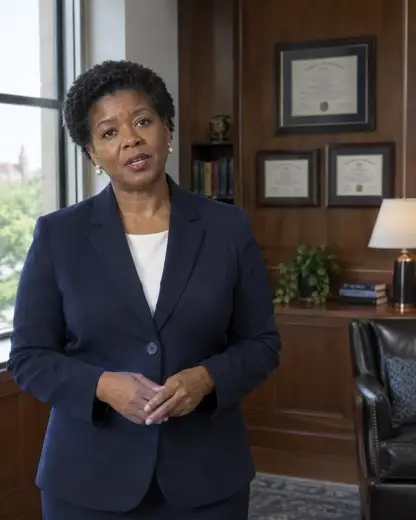 Dean Brooks · 0:40
Events and proposals
Messages from faculty and deans for galas, stewardship visits and gift proposals.
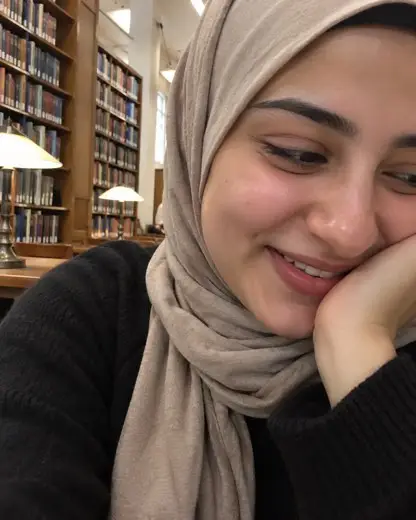 Impact report
Reports and donor pages
Videos inside digital impact reports and donor pages built with Donor Reporting & Delivery.
 Students
 Faculty
 Deans
Let every donor hear the difference they make.
We'll show you a thank-you campaign from start to finish, from the first request to the last donor watching.
Awarded Video questions.
What is Awarded Video?
Short thank-you videos that scholarship recipients, faculty and deans record for donors. Awarded requests them from your award data, reminds people until they record, helps your team review and polish them, and delivers each one to the right donor.
Who records the videos?
Mostly scholarship recipients, sharing their stories and thanks. Deans, professors and fund managers can record too, for example a professor sharing what a fund makes possible in their research, or a dean thanking every donor to a college.
Do students need an app or a login?
No. Students get a personal link by text or email and record in their phone's browser, one question at a time, with a practice take and retakes. They can send a written thank-you, a video or both.
How do you know which donor gets which video?
Awarded already knows which students each fund supports and who the fund's donors are, so every video is tied to the right fund and donor from the moment it's requested.